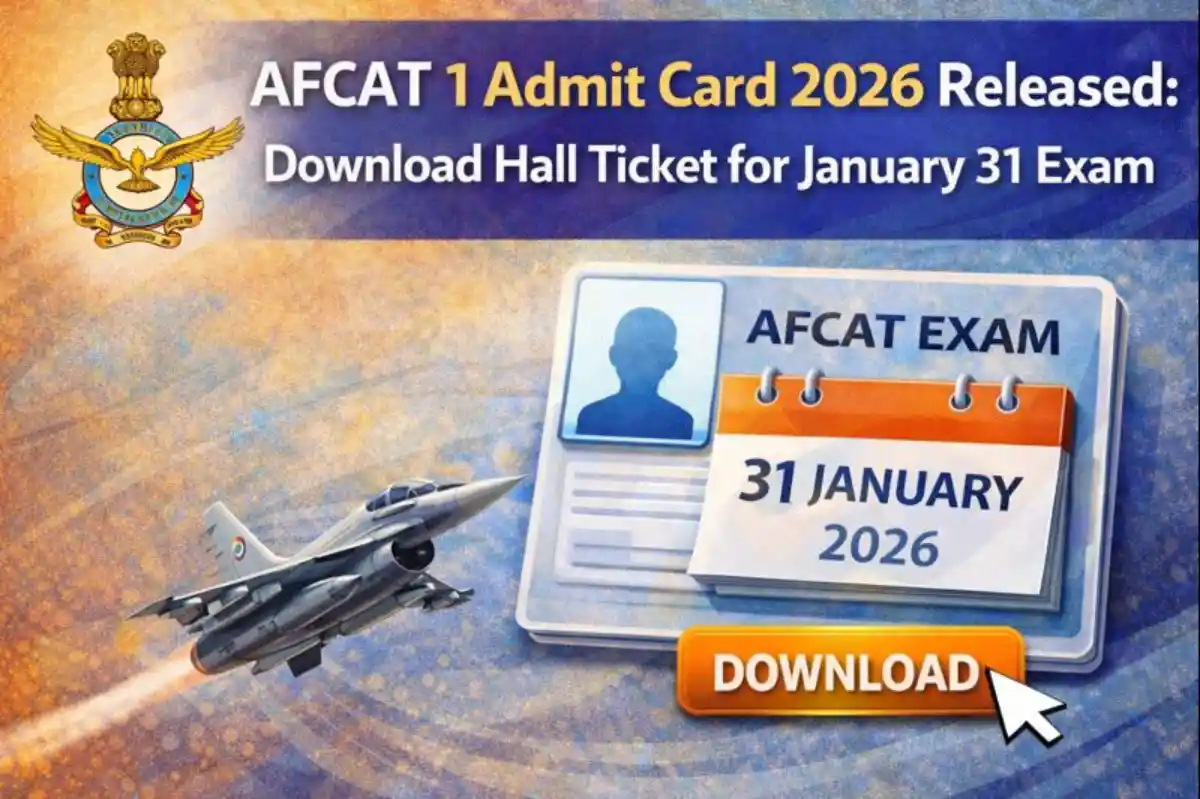
AFCAT 1 Admit Card 2026 Out – Download Hall Ticket for Jan 31 Exam
AFCAT 1 Admit Card 2026 Overview
The Indian Air Force conducts the Air Force Common Admission Test (AFCAT) to recruit officers for Flying and Ground Duty branches. This recruitment aims to fill 340 vacancies in various technical and non-technical roles for courses commencing in January 2027. The AFCAT 1 admit card 2026 has been released, allowing candidates to access their exam details. The written examination is set for January 31, 2026. Applicants should check the official portal for the latest updates on their AFCAT exam hall ticket2.
AFCAT 1 Important Dates
- Notification Released Date: 9 November 2025
- Online Application Start Date: 17 November 2025
- Online Application Last Date: 19 December 2025
- Last Date Fee Payment: 19 December 2025
- Correction Date: 23-24 December 2026
- Exam City Details Available: 15 January 2026
- Admit Card Available: 22 January 2026
- Exam Date: 31 January 2026
- Result Declared: Available Soon!
- Candidates are advised to confirm from the official website.
AFCAT 1 Application Fee
- General / OBC / EWS Fee: ₹550/-
- SC / ST / PH / ESM Fee: ₹0/-
- Payment Mode: Online (Debit Card / Credit Card / Net Banking / UPI)
AFCAT 01/2026 Vacancy Details
- Total number of posts: 340.
| Post Name | Total Post |
|---|---|
| Flying Branch | 38 |
| Ground Duty (Technical) | 176 |
| Ground Duty (Non-Technical) | 126 |
AFCAT 1 Salary 2026
| Post | Pay Scale / Level | Approx. In-hand Salary |
|---|---|---|
| Flying Officer | Level 10 (Rs 56,100 - 1,77,500) | Rs 85,000 - 90,000 |
| Ground Duty Officer | Level 10 (Rs 56,100 - 1,77,500) | Rs 80,000 - 85,000 |
AFCAT 1 Eligibility Criteria
- Educational Qualification: For Flying Branch, candidates must have passed 10+2 with 50% in Maths and Physics, and a graduation degree with 60% marks. For Ground Duty (Technical), a four-year engineering degree or equivalent with specified marks. For Ground Duty (Non-Technical), a graduation degree in relevant fields with minimum 60% marks.
- Age limit: Flying Branch - 20 to 24 years as on January 1, 2026 (upper limit 26 years with valid CPL). Ground Duty - 20 to 26 years as on January 1, 2026.
- Additional requirements: Candidates must be Indian citizens and unmarried at the start of the course. NCC Special Entry requires NCC Air Wing Senior Division 'C' certificate.
AFCAT 1 Selection Process
- Written Examination
- Air Force Selection Board (AFSB) Testing
- Document Verification
- Medical Examination
How To Check & Download AFCAT 1 Admit Card 2026
- Visit the official website afcat.cdac.in.
- Go to the Candidate Login section.
- Click on the AFCAT 1 Admit Card 2026 link.
- Login with registered Email ID and Password.
- View and download the admit card.
- Verify all details like name, photo, exam centre, and timings.
- Take a printout for the exam day.
- Contact helpline if any issue arises.
AFCAT 1 Important Links
| Download Admit Card | Click Here |
| Official Website | Click Here |
| Join WhatsApp Channel | Follow Now |
| Join Telegram Channel | Follow Now |
| Join Arattai Channel | Follow Now |
| Important Tools | Click Here |
| Home | Click Here |
Frequently Asked Questions (FAQs)
Q1: When will admit card be released?
Ans: The AFCAT 1 admit card 2026 was released on January 22, 2026.
Q2: How to download admit card?
Ans: Log in to afcat.cdac.in using your email ID and password to access and download it.
Q3: What to do if forgot application number?
Ans: Use the 'Forgot Password' option on the login page to recover credentials via registered email or mobile.
Q4: Exam date and pattern?
Ans: The exam is on January 31, 2026, consisting of 100 questions for 300 marks, covering GK, Verbal Ability, Numerical Ability, and Reasoning.
Q5: Documents to carry with admit card?
Ans: Carry a valid photo ID like Aadhaar, PAN, or Voter ID along with the printed admit card.
Q6: Helpline contact?
Ans: Email afcatcell@cdac.in or call the provided numbers on the official website for assistance.
Q7: What if details wrong on admit card?
Ans: Contact the AFCAT cell immediately via email or helpline to request corrections.
Comments (0)
No comments yet — be the first to share your thoughts.
Please Signup to write a comment!
Create account