SSC MTS / Havaldar 2025 Exam City Details 2026
SSC MTS Havaldar Admit Card Overview
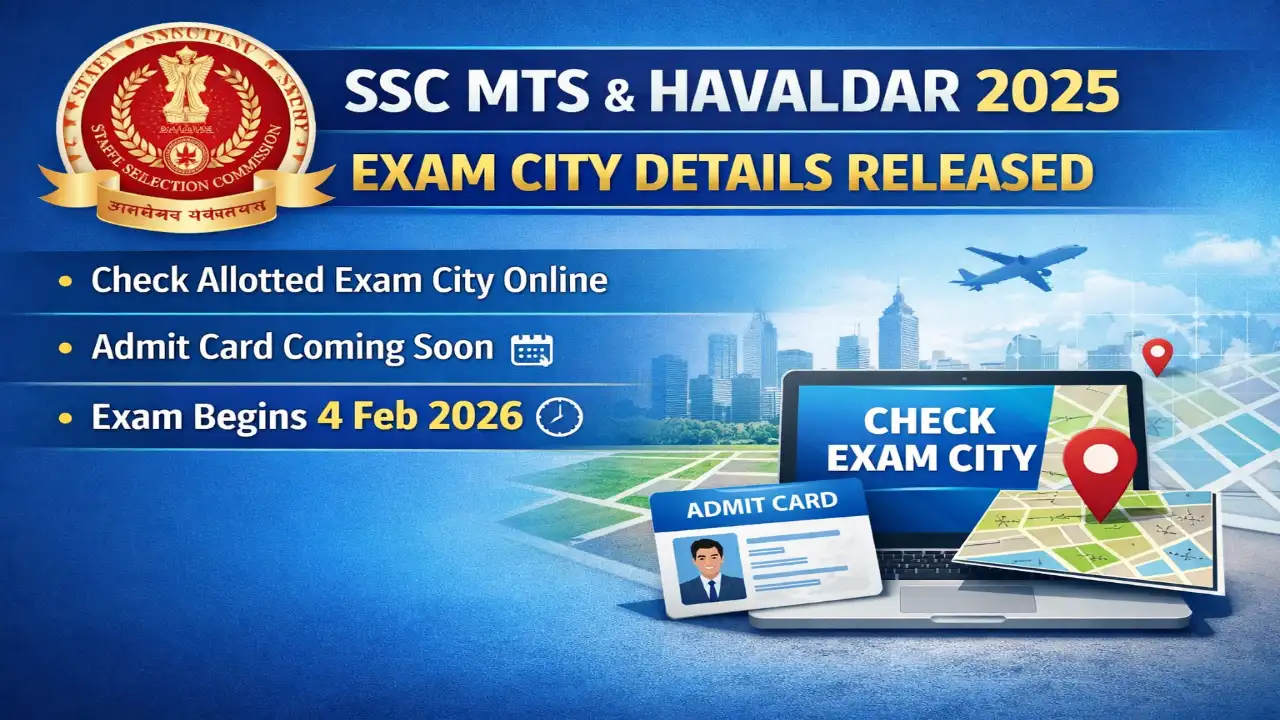
The Staff Selection Commission (SSC) is conducting the Multi-Tasking (Non-Technical) Staff and Havaldar (CBIC & CBN) Examination, 2025 to fill various Group C posts in government departments. The exam city intimation slip has been released, allowing candidates to check their allotted exam location. The computer-based exam is scheduled to begin on February 4, 2026. Admit cards will be available soon on regional SSC websites. Total vacancies stand at 7,948.
SSC MTS Havaldar Important Dates
- Online Application Start Date: 26 June 2025
- Online Application Last Date: 24 July 2025
- Last Date Fee Payment: 25 July 2025
- Exam Date: 4-15 February 2026
- Exam City Details Available: 30 January 2026
- Admit Card Available: 1 February 2026
- Result Declared: To be announced Soon
- Candidates are advised to confirm from the official website.
SSC MTS Havaldar Application Fee
- General / OBC / EWS Fee: ₹100/-
- SC / ST / PH Fee: Nil
- Female Fee: Nil
- Payment Mode: Online (Debit Card / Credit Card / Net Banking / UPI).
SSC MTS Havaldar Vacancy Details
- Total number of posts: 7948.
| Post Name | Total Post | Area |
|---|---|---|
| Multi-Tasking Staff (MTS) | 6810 | Various Ministries/Departments |
| Havaldar (CBIC & CBN) | 1138 | CBIC and CBN |
SSC MTS Havaldar Salary 2026
| Post | Pay Scale / Level | Approx. In-hand Salary |
|---|---|---|
| MTS / Havaldar | Level-1 (Rs. 18,000 - 56,900) | Rs. 18,000 to 22,000 (depending on city posting) |
SSC MTS Havaldar Eligibility Criteria
- Educational Qualification: Matriculation (10th pass) or equivalent from a recognized board.
- Age limit: 18-25 years for MTS posts; 18-27 years for Havaldar and select MTS posts (as on 1 August 2025). Age relaxation applies for reserved categories: 5 years for SC/ST, 3 years for OBC, and more as per rules.
- Additional requirements: Indian citizenship; physical standards for Havaldar posts.
SSC MTS Havaldar Selection Process
- Written Examination (Computer-Based Test)
- Physical Efficiency Test / Physical Standard Test (for Havaldar posts only)
- Document Verification
Instructions for Downloading the SSC MTS Havaldar Admit Card 2026
- Visit the official website ssc.gov.in or your regional SSC site.
- Go to Admit Card section.
- Select your region and click on the SSC MTS / Havaldar Admit Card link.
- Login with Registration Number and Date of Birth / Password.
- View and download the admit card.
- Verify all details like name, exam centre, and timings.
- Take a printout for exam day.
- Contact SSC helpline if any issue arises.
SSC MTS Havaldar Important Links
| Check Exam City / Admit Card | Click Here |
| Official Website | Click Here |
| Join WhatsApp Channel | Follow Now |
| Join Telegram Channel | Follow Now |
| Join Arattai Channel | Follow Now |
| Important Tools | Click Here |
| Home | Click Here |
Frequently Asked Questions (FAQs)
Q1: When will admit card be released?
Ans: Admit cards for SSC MTS / Havaldar 2025 will be available from 1 February 2026 onwards, typically 2-3 days before your exam date on regional SSC websites.
Q2: How to download admit card?
Ans: Visit ssc.gov.in, select your region, log in with registration number and DOB, and download the hall ticket.
Q3: What to do if forgot application number?
Ans: Use the 'Forgot Password' option on ssc.gov.in or contact your regional SSC office with registered email/mobile.
Q4: Exam date and pattern?
Ans: Exam starts 4 February 2026; it's a computer-based test with objective questions in two sessions covering reasoning, numerical ability, English, and general awareness.
Q5: Documents to carry with admit card?
Ans: Carry admit card printout, valid photo ID (Aadhaar, Voter ID, etc.), and recent passport photos.
Q6: Helpline contact?
Ans: Check ssc.gov.in for regional helpline numbers or email helpdesk@ssc.nic.in.
Q7: What if details wrong on admit card?
Ans: Contact your regional SSC office immediately with proof for corrections.
Comments (0)
No comments yet — be the first to share your thoughts.
Please Signup to write a comment!
Create account