UP APO Exam Date 2026 Out at uppsc.up.nic.in Check Details Here
UP APO Admit Card 2026 Overview
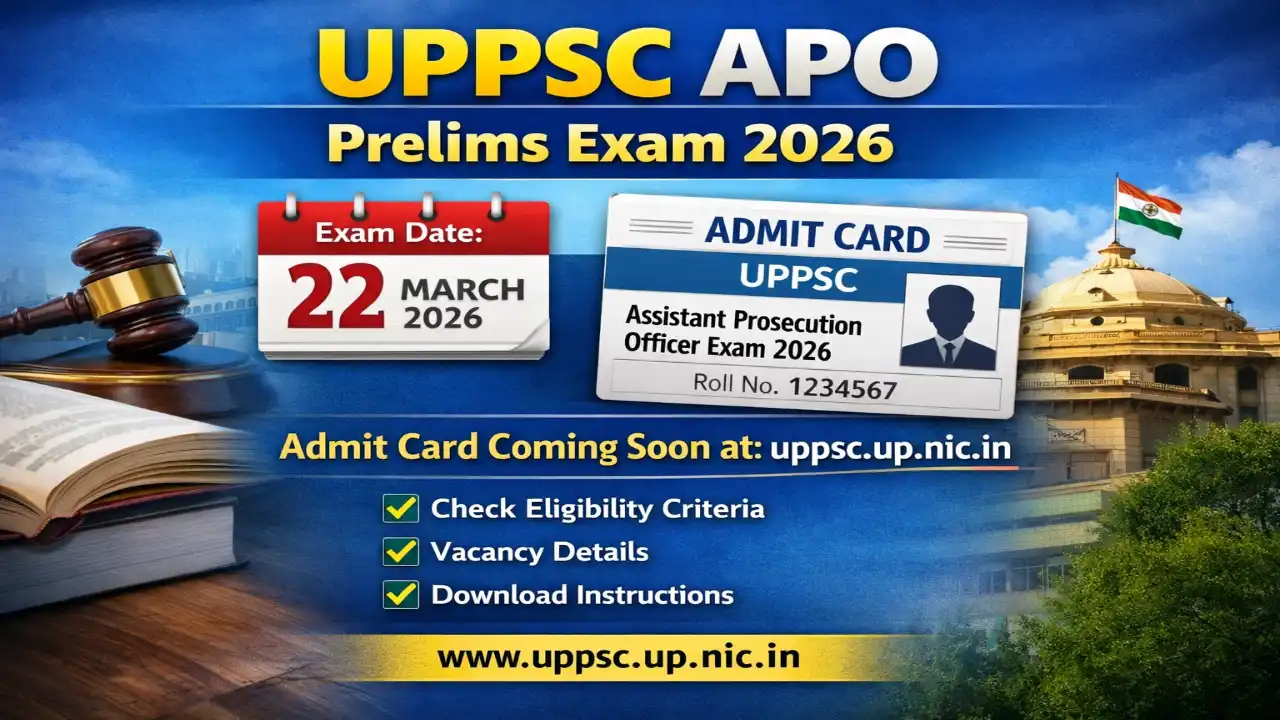
The Uttar Pradesh Public Service Commission (UPPSC) conducts the Assistant Prosecution Officer (APO) recruitment to fill positions in the state's prosecution department. The prelims exam date for 2026 has been announced as 22 March 2026 through the official exam calendar. Admit cards are expected to be released soon. This recruitment aims to select 182 candidates for APO posts. Candidates should regularly check the official website for updates on admit card availability and other details.
UP APO Important Dates
- Notification Released Date: 16 September 2025
- Online Application Start Date: 16 September 2025
- Online Application Last Date: 16 October 2025
- Last Date Fee Payment: 16 October 2025
- Prelims Exam Date: 22 March 2026
- Mains Exam Date: 28 June 2026
- Admit Card Available: To be announced Soon
- Result Declared: To be announced Soon
- Candidates are advised to confirm from the official website.
UP APO Application Fee
- General / OBC / EWS Fee: ₹125/-
- SC / ST / PH Fee: ₹65/-
- Payment Mode: Online (Debit Card / Credit Card / Net Banking / UPI).
UP APO Vacancy Details
- Total number of posts: 182.
| Post Name | Total Post | Area |
|---|---|---|
| Assistant Prosecution Officer | 182 | Uttar Pradesh |
UP APO Salary 2026
| Post | Pay Scale / Level | Approx. In-hand Salary |
|---|---|---|
| Assistant Prosecution Officer | Rs. 47,600 - 1,51,100 / Level-8 | Rs. 50,000 - 60,000 (including allowances) |
UP APO Eligibility Criteria
- Educational Qualification: Bachelor's Degree in Law (LLB) from a university established by law in India or recognized by the UGC.
- Age limit: 21 to 40 years as on 1 July 2025 (relaxations apply for reserved categories as per government rules).
- Additional requirements: Working knowledge of Hindi in Devnagari script; must be a citizen of India or meet other nationality criteria as specified.
UP APO Selection Process
- Preliminary Examination
- Main Examination
- Interview
- Document Verification
Instructions for Downloading the UP APO Admit Card 2026
- Visit the official website uppsc.up.nic.in.
- Go to the Candidate's Dashboard or Admit Card section.
- Click on the link for UP APO Admit Card 2026.
- Login with your Registration Number and Date of Birth or Password.
- View the admit card on screen and verify all details.
- Download and save the admit card PDF.
- Take a printout for exam day use.
- Contact UPPSC helpline if you face any issues with downloading.
UP APO Important Links
| Download Admit Card | Click Here |
| Official Website | Click Here |
| Join WhatsApp Channel | Follow Now |
| Join Telegram Channel | Follow Now |
| Join Arattai Channel | Follow Now |
| Important Tools | Click Here |
| Home | Click Here |
Frequently Asked Questions (FAQs)
Q1: When will admit card be released?
Ans: The UP APO admit card 2026 is expected to be released 10-15 days before the prelims exam on 22 March 2026. Check uppsc.up.nic.in for updates.
Q2: How to download admit card?
Ans: Visit uppsc.up.nic.in, log in to the candidate dashboard with registration number and DOB, and download from the admit card section.
Q3: What to do if forgot application number?
Ans: Use the 'Forgot Registration No.' option on uppsc.up.nic.in by providing your email, mobile number, and other details to recover it.
Q4: Exam date and pattern?
Ans: Prelims exam is on 22 March 2026. It includes two papers: General Studies and Law, each of 150 marks, objective type.
Q5: Documents to carry with admit card?
Ans: Carry a valid photo ID (Aadhaar, Voter ID, etc.), recent passport photo, and any other specified documents to the exam center.
Q6: Helpline contact?
Ans: Contact UPPSC helpline at 0532-2407547 or email at online.uppsc@nic.in for any queries.
Q7: What if details wrong on admit card?
Ans: Report discrepancies immediately to UPPSC via email or helpline for corrections before the exam date.
Comments (0)
No comments yet — be the first to share your thoughts.
Please Signup to write a comment!
Create account